🔌 MCP Servers
✅ Verified
Clay MCP
Access your network seamlessly with a simple and efficient server. Leverage a variety of tools to enhance your applications and workflows. Start integrating with your existing systems effortlessly.
Description

Clay MCP Server
A simple Model Context Protocol (MCP) server for Clay.
Demo Video
Getting Started
Via Clay (preferred)
- Enter our MCP server url into your client https://mcp.clay.earth/mcp
- Followed the guided login flow to connect your account.
Via Smithery
-
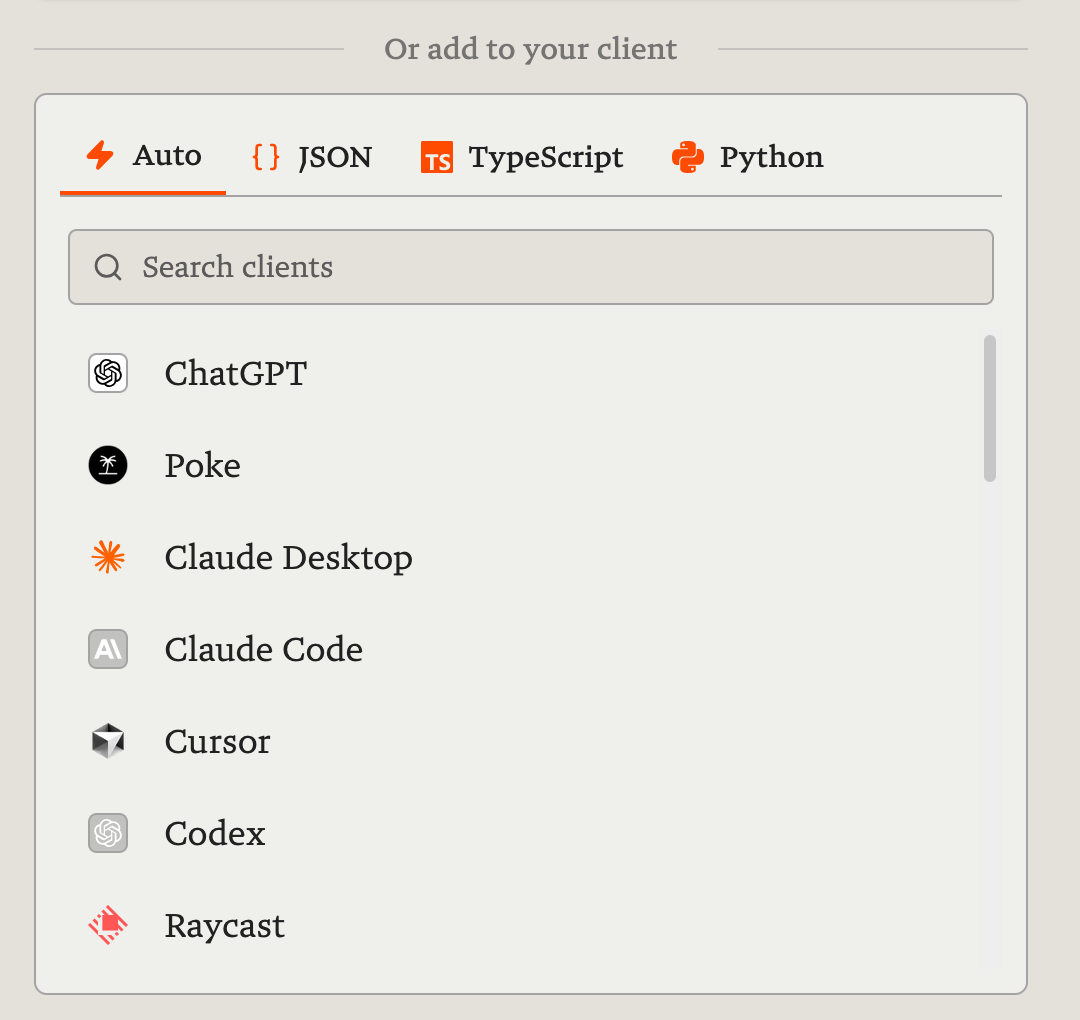
Visit Clay's Smithery page, choose your preferred client (e.g. Claude, ChatGPT, Poke, Cursor, Raycast, etc.) and connect through the guided login flow.
-
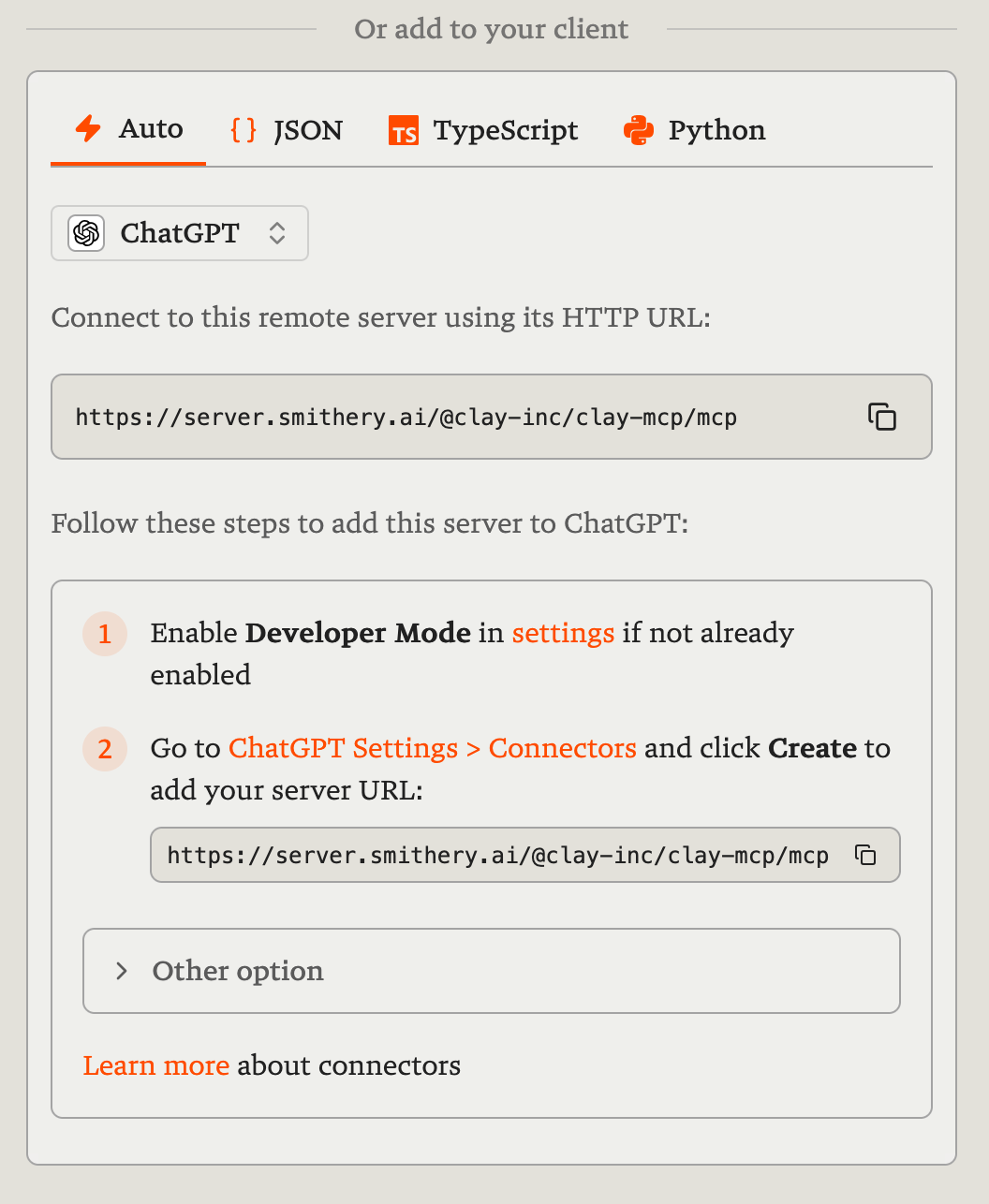
Follow Smithery's instructions to configure the server URL with your preferred client.
Features
- Contact Search: Find contacts by job title, company, location, or specific keywords.
- Interaction Search: Retrieve past interactions based on various criteria.
- Contact Statistics: Obtain numerical statistics and percentages related to your contacts.
- Detailed Contact Info: Access comprehensive information for a specific contact by ID.
- Add New Contact: Create new contacts with details like name, phone, email, and more.
- Add Contact Note: Create a note associated with a specific contact.
- Retrieve Groups: Get all user-defined groups or lists.
- Create New Group: Create a new group or list.
- Update Group: Update a group's title or modify its members.
- Retrieve Notes: Get notes created within a specified date range.
- Retrieve Events: Fetch meetings and events scheduled within a specified date range.
Examples
- "Who in my network works at Google as a Product Manager?"
- "Who have I emailed the most this year?"
- "How many of my contacts are based in New York?"
- "Who is John Smith?"
- "Add a new contact named Jane Doe, who is a Designer at Figma."
- "Save a note for John Smith: 'Follow up about the Q2 report.'"
- "Create a group called 'Investors 2025.'"
- "Add Jane Doe and John Smith to the Investors 2025 group."
- "What notes did I take last week?"
- "What meetings do I have scheduled for tomorrow?"
More information
Learn more and reach out at the Clay Library.
Reviews (0)
Sign in to write a review.
No reviews yet. Be the first to review!
Comments (0)
No comments yet. Be the first to share your thoughts!